
Uber Receipts Client-Facing Fact Sheet
This file provides detailed instructions on automated methods for sending Uber receipts to Concur Expense accounts. It explains connection options with advantages and disadvantages and outlines the steps users must follow to activate each method. Aimed at both consumers and businesses, this fact sheet enhances expense management efficiency.
Edit, Download, and Sign the Uber Receipts Client-Facing Fact Sheet
Form
eSign
Add Annotation
Share Form
How do I fill this out?
To fill out this file, begin by familiarizing yourself with the connection options available for Uber receipts. Follow the detailed instructions provided for each method to ensure successful integration with your Concur Expense account. Ensure that you have the necessary account details ready before starting the setup process.

How to fill out the Uber Receipts Client-Facing Fact Sheet?
1
Review the available connection methods for Uber receipts.
2
Select a preferred method based on your needs and location.
3
Follow the specific steps for the chosen connection method.
4
Verify your connection by logging into your Uber account.
5
Complete any additional required settings in your Concur Expense account.
Who needs the Uber Receipts Client-Facing Fact Sheet?
1
Business travelers who regularly use Uber for work purposes.
2
Accountants managing expense reports for companies.
3
Employees needing to submit expense reports easily.
4
Finance teams requiring accurate tracking of travel expenses.
5
Uber users who want to simplify their receipt management.
How PrintFriendly Works
At PrintFriendly.com, you can edit, sign, share, and download the Uber Receipts Client-Facing Fact Sheet along with hundreds of thousands of other documents. Our platform helps you seamlessly edit PDFs and other documents online. You can edit our large library of pre-existing files and upload your own documents. Managing PDFs has never been easier.

Edit your Uber Receipts Client-Facing Fact Sheet online.
With PrintFriendly, editing your PDF is a breeze. You can modify text, add notes, or adjust the layout directly within the platform. Our user-friendly interface ensures a seamless editing experience, making it easier than ever to personalize your document.

Add your legally-binding signature.
Signing your PDF on PrintFriendly is simple and efficient. Users can easily insert signatures anywhere on the document with just a few clicks. This feature allows for quick approvals and enhances the professional presentation of your paperwork.

Share your form instantly.
Sharing your PDF is made easy with PrintFriendly's sharing options. You can seamlessly distribute your files through email or social media platforms. This feature simplifies collaboration and ensures that your important documents reach the right audience.
How do I edit the Uber Receipts Client-Facing Fact Sheet online?
With PrintFriendly, editing your PDF is a breeze. You can modify text, add notes, or adjust the layout directly within the platform. Our user-friendly interface ensures a seamless editing experience, making it easier than ever to personalize your document.
1
Open your PDF in PrintFriendly.
2
Select the 'Edit' option from the toolbar.
3
Make changes to your document as needed.
4
Preview your edits to ensure accuracy.
5
Download the edited file to complete the process.

What are the important dates for this form in 2024 and 2025?
Currently, no specific important dates for this file in 2024 and 2025 are applicable. For the most accurate and updated information, users are encouraged to check regularly for any updates regarding the Uber Receipts integration with Concur Expense as new features may be announced.

What is the purpose of this form?
The purpose of this form is to facilitate the automated transmission of Uber receipts to Concur Expense accounts for seamless expense management. It aims to enhance the overall experience for users by providing easy connection methods that save time on manual entry. This form serves as a guideline for both individuals and businesses to streamline their expense reporting process.

Tell me about this form and its components and fields line-by-line.

- 1. Username: The Uber account username required for authentication.
- 2. Email: The email address associated with your Concur Expense account.
- 3. Profile Settings: Options to configure your Uber business profile for receipt management.
- 4. Connection Method: Fields to select preferred connection methods for receiving receipts.
- 5. Verification Process: Steps involved in verifying the connection between Uber and Concur Expense.
What happens if I fail to submit this form?
If you fail to submit this form, your Uber receipts will not be transmitted to Concur Expense, resulting in potential delays in expense reporting. You may also miss out on tracking important expenses incurred during your rides. Ensure to follow the guidelines closely to avoid any issues.
- Missing Receipts: Failure to submit may lead to missing crucial ride receipts.
- Delayed Expense Reports: Without proper submission, your expense reports may be delayed.
- Inaccurate Tracking: Failure to connect can result in inaccurate tracking of business expenses.
How do I know when to use this form?

- 1. Business Travel: Whenever you are traveling for business purposes.
- 2. Expense Reporting: For submitting expense reports accurately and timely.
- 3. Receipt Management: To effectively manage and track your Uber ride receipts.
Frequently Asked Questions
How do I connect my Uber account to Concur Expense?
You can connect your Uber account by following the instructions provided in the fact sheet for different connection methods.
What types of receipts can I send through this method?
You can send various ride receipts from Uber, including those associated with business profiles.
Do I need a special account to use this feature?
Yes, you need an active Uber rider account and a Concur Expense account to utilize the integration.
Can I disconnect my accounts after connecting?
Yes, you can easily disconnect your Uber and Concur Expense accounts by following the disconnection steps outlined in the fact sheet.
Will I receive notifications for my submitted receipts?
Yes, you will be notified when your receipts have been successfully sent to Concur Expense.
What should I do if my receipts aren't appearing?
Refer to the troubleshooting section in the fact sheet to resolve any issues with receipt visibility.
Is there a mobile app available for this integration?
Yes, users can utilize the SAP Concur mobile app for connecting their Uber accounts.
How secure is my receipt data during this process?
The transmission of receipt data between Uber and Concur is secured using high reliability protocols.
Can I track the status of my receipts?
Yes, you can track and manage your submitted receipts within the Concur Expense app.
Is assistance available if I encounter issues?
Yes, support resources are available to assist users with connection and submission concerns.
Related Documents - Uber Receipts Guide

Warranty Claim Form Instructions
This file provides instructions on how to fill out a warranty claim form. It includes information on contact details, product information, and the process for submitting the claim. Follow these guidelines to ensure your claim is processed smoothly.

P.L.U.T.O. Rescue Spay/Neuter Program Information
This file provides information and instructions about the P.L.U.T.O. Rescue Spay/Neuter Program. It includes details on how to obtain a certificate, participating veterinarians, and the costs involved. It also includes an order form for the certificate.
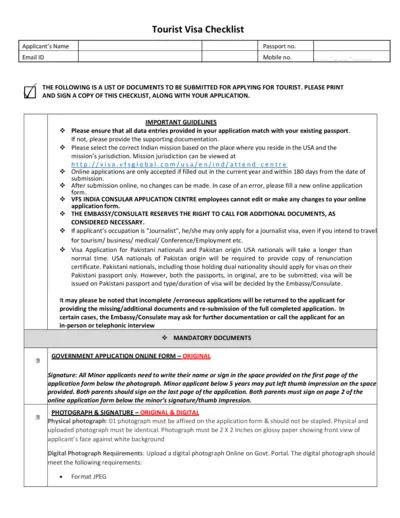
Comprehensive Tourist Visa Application Checklist
This document outlines the necessary steps and required documents for applying for a tourist visa. Includes guidelines, mandatory documents, and additional information for specific cases. Essential for ensuring a complete and accurate visa application.
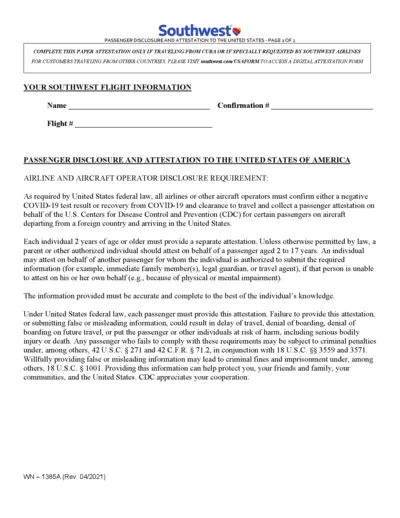
Southwest Passenger Disclosure and Attestation Form Instructions
This file contains the Southwest Passenger Disclosure and Attestation form required for certain passengers traveling to the USA. It includes information on obtaining a negative COVID-19 test or proof of recovery. Instructions for completing and submitting the form are also provided.

Microblading Eyebrow Aftercare Instructions
This document provides detailed aftercare instructions for individuals who have undergone a microblading procedure. It includes step-by-step care guidelines to ensure proper healing and optimal results. Follow the instructions carefully to avoid infections, pigment loss, or discoloration.
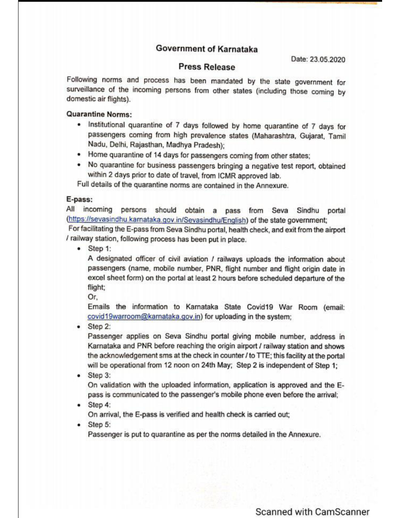
Karnataka State Government Quarantine Norms and E-pass Process
This document outlines the quarantine norms and E-pass process mandated by the Karnataka State Government for incoming passengers from other states. It provides details on different types of quarantine, the step-by-step E-pass process, and specific guidelines for high prevalence and low prevalence states. Essential for travelers and authorities, it ensures the safety and health of the public during travel.
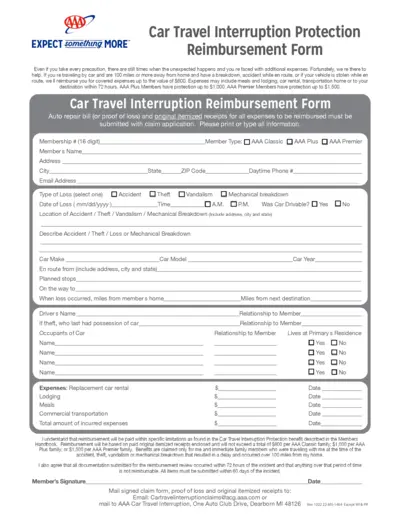
Car Travel Interruption Protection Reimbursement Form
This file offers details and instructions for the Car Travel Interruption Protection Reimbursement Form. It explains how to claim reimbursements for expenses incurred due to unexpected car issues while traveling. The form is applicable for AAA members and covers various categories of protection.
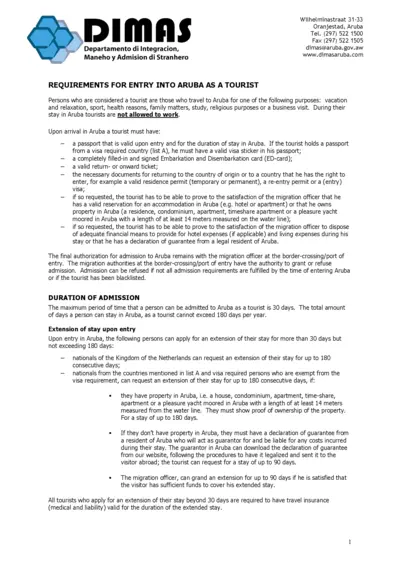
Requirements for Entry into Aruba as a Tourist
This file provides comprehensive information on the requirements for entry into Aruba as a tourist, including the necessary documents, duration of stay, and the visa application process.
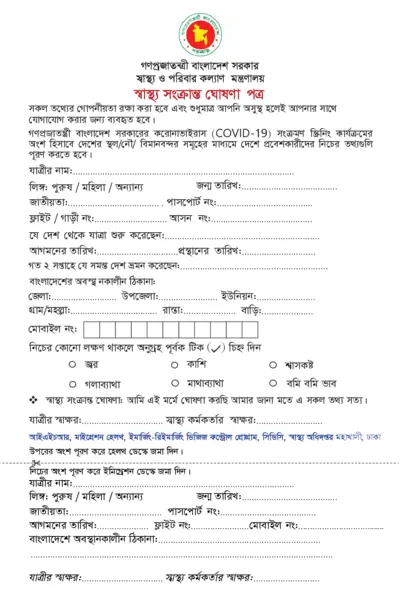
Bangladesh Health Declaration Form for International Travelers
This form is required by international travelers entering Bangladesh for health screening purposes. It collects personal and travel information for contact tracing. Completing this form accurately is mandatory.

Spark Driver FAQ: How to Become a Delivery Driver for Walmart
This file contains frequently asked questions (FAQs) about becoming a Spark Driver, an app-based gig work opportunity for delivery drivers at Walmart. It outlines the signup process, driver requirements, earnings, and more.
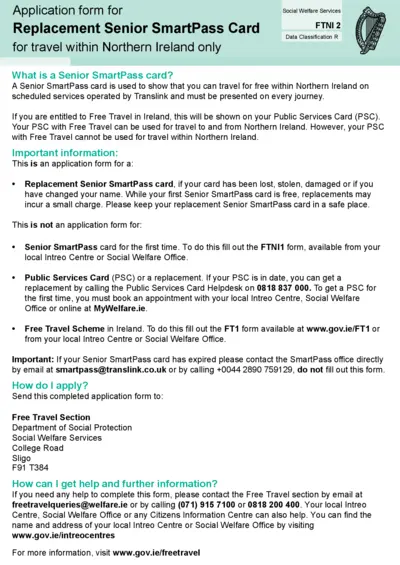
Replacement Senior SmartPass Card Application Form NI
This file is an application form for a Replacement Senior SmartPass card for travel within Northern Ireland. It includes instructions on how to apply and important information about when the form should be used. The form also provides guidance on how to fill it out.

Herff Jones Ring Warranty Form Instructions
This file contains the instructions and form required to submit a warranty claim for Herff Jones rings. Users must fill out the necessary information and send the form with the ring for repairs. Follow the detailed steps for completing and submitting the form provided within the document.